In this article
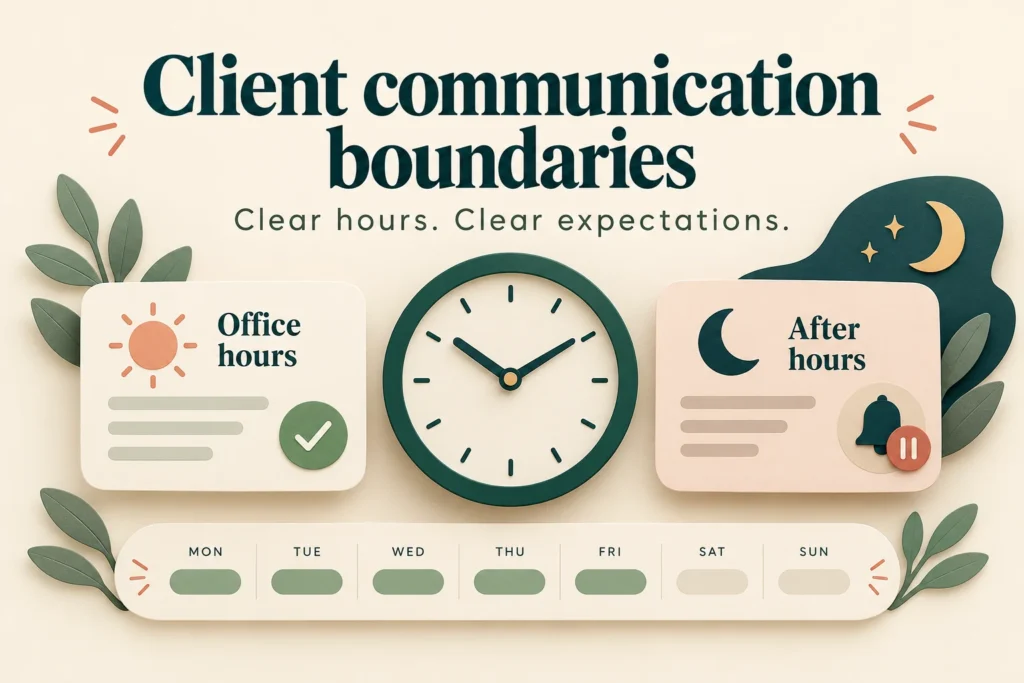
AI-assisted editorial illustration. Layouts are conceptual, not product screenshots.
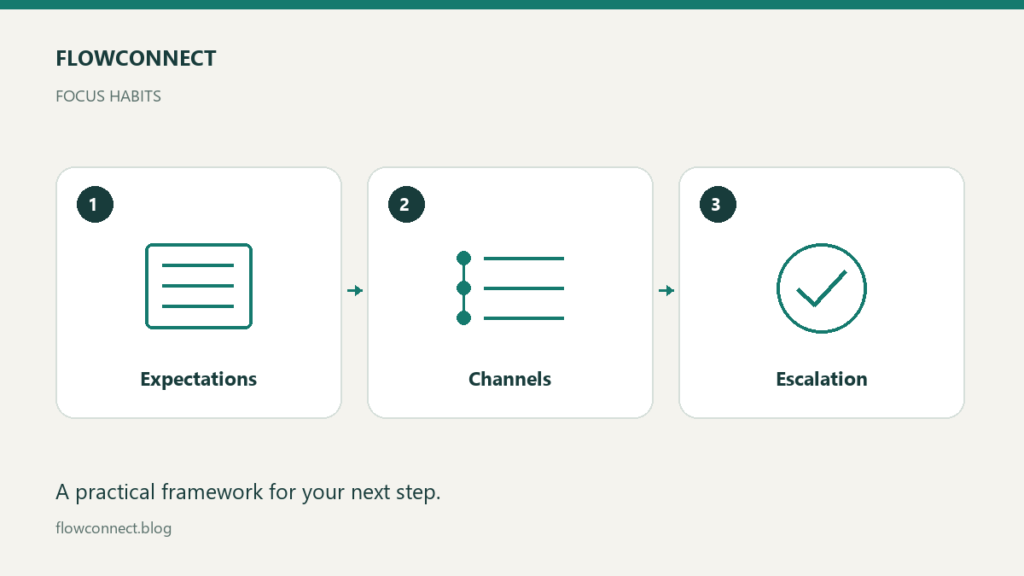
Client communication boundaries work best when they tell someone when to expect a response and what to do if a genuinely urgent problem occurs. The aim is a dependable process that fits the service you provide. A reply window is an acknowledgement expectation, not a promise that every issue will be solved within it.
Describe actual availability
State your working days, hours and time zone in a place the client can find. Define whether holidays are excluded and what happens during planned absence. Avoid using “business day” without explaining which working calendar it refers to.
Choose a response window you can realistically maintain. An illustrative freelance designer might review messages twice on working days and acknowledge routine questions by the next working day. That is an example to adapt, not a standard every freelancer should promise.
Give each channel a job
Use one agreed location for feedback and one normal route for questions. If comments arrive by email, chat and document annotations, explain where the consolidated decision will be recorded. Otherwise a fast reply can still leave the project with conflicting instructions.
Tell the client what information helps you respond: project name, affected item, a short description and the decision needed. For a visual issue, a screenshot and the relevant page can be more useful than several messages saying something looks wrong.
Define escalation narrowly
Agree which situations justify the urgent route for your particular service. A site outage may belong with a hosting or support provider; a copywriter should not imply that their personal messaging account is a production support service.
State who handles urgent issues, through which channel and during what coverage hours. If you do not provide emergency support, say so and identify the agreed support contact where one exists. Do not promise continuous availability through a template unless you actually provide it.
Use a communication note
Working days, hours and time zone:
Routine questions and feedback go to:
Routine acknowledgement window:
Where final decisions are recorded:
Urgent situations covered by this service:
Urgent contact and coverage hours:
Outside coverage, contact or next step:
Planned absence notice:
Complete this with the client during onboarding. Avoid filling it with impressive deadlines that cannot be met. If response expectations affect the engagement terms, align the note with those terms rather than treating it as a substitute for them.
Handle a message that arrives in the wrong place
Suppose a client sends a routine wording change to your personal chat. A useful response is: “Please add that change to the review document so it is included with the other feedback. I will review it in the next agreed window.” This redirects the work without dismissing the request.
If a deadline genuinely changes, discuss the effect on current commitments. A message labelled urgent does not automatically create capacity, but it may reveal a problem that needs a new plan. Record the agreed decision so both sides know what moved.
Keep the agreement visible and repair missed expectations
Include the communication note in the welcome message or project workspace. Mention planned absences before they affect delivery. If you miss a promised response window, acknowledge it and give a realistic next update rather than silently extending the deadline.
Review recurring friction after a milestone: are clients unsure where to send feedback, or are you receiving urgent requests outside the service scope? Adjust the process together. Boundaries are useful when they reduce uncertainty and keep work moving, not when they merely announce when someone is unavailable.