In this article
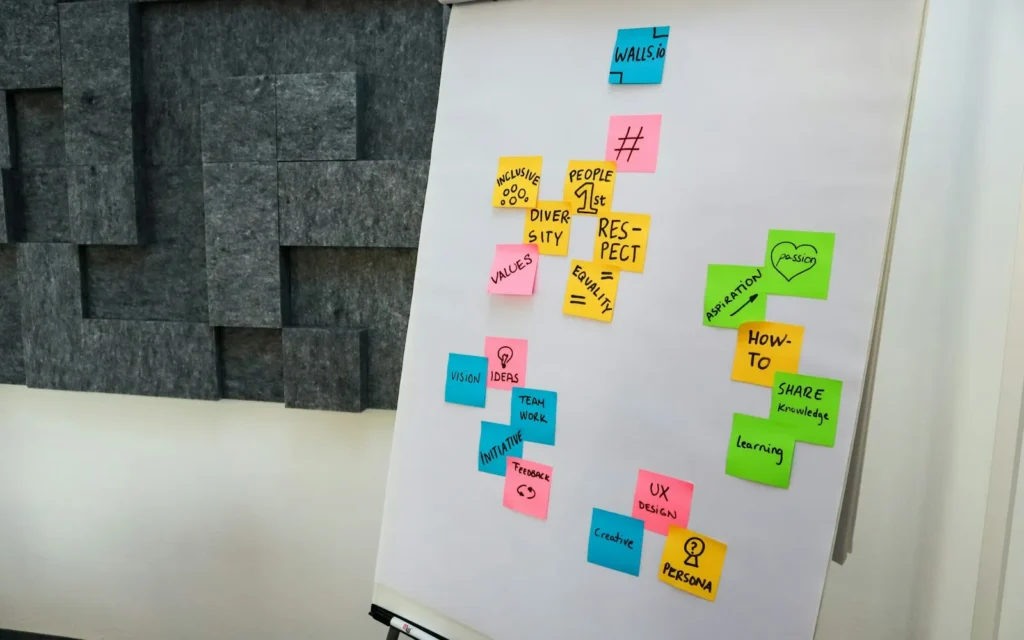
Illustrative photo by Bunny Lau / Unsplash.
- Most solo founders need only five tool categories.
- Choose tools by the job to be done, not by feature lists.
- Review your stack every quarter and remove anything unused.
Tool overload is a quiet drain on solo founders. Every new app brings a login, a subscription, a learning curve and another place for information to hide. The fix is a deliberately small stack, where each tool has one clear job.
The five jobs your stack must cover
- Capture and notes: one place for ideas, meeting notes and documents.
- Tasks and planning: a list you check daily and review weekly.
- Communication: email plus one chat channel for clients.
- Money: invoicing, payments and simple bookkeeping.
- Marketing: a website, an email list and a content calendar.
How to choose each tool
Ask four questions before adopting anything: Does it solve a problem I have this month? Can I export my data? Does it integrate with what I already use? What does it cost after the free trial? If an answer is unclear, wait.
Notes and documents
Pick one home for written information. A plain notes app, a document editor or a wiki-style tool all work. What matters is that you can search it quickly and that you always put things in the same place.
Tasks and planning
A simple list with due dates beats an elaborate project board when you work alone. Pair it with a calendar and a 20-minute weekly review so the list stays honest.
Payments
Choose a payment option that is quick to set up and lets you receive money reliably. Compare fees, payout speed and dispute handling before you commit, and keep payment accounts protected with two-factor authentication (see our 30-minute security checklist).
Automation: use it sparingly
Automate tasks that are frequent, rule-based and low risk, such as saving invoices to a folder or sending a welcome email. Avoid automating anything that needs judgement. Our AI & Innovation section covers where AI assistants genuinely save time.
What to skip
- Tools that duplicate something you already own.
- Apps you only open when you feel guilty.
- Anything that needs a tutorial longer than the task itself.
The quarterly stack audit
Every three months, list each subscription, note the last time you used it, and cancel anything dormant. A leaner stack means lower costs and less context switching.
Final thoughts
Productivity comes from consistent habits, not from software. Choose a small stack, learn it well, and spend the saved time on customers and content.