In this article
Illustrative photo by Walls.io / Unsplash.
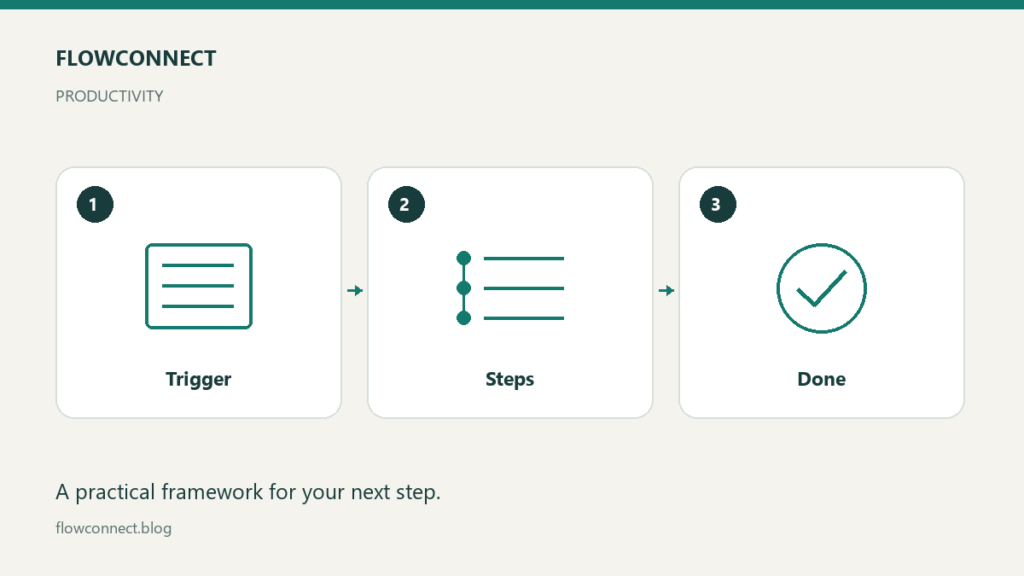
A useful process document lets another person complete a recurring task and recognize when to stop or ask for help. It needs a trigger, an owner, required inputs, clear steps and a definition of done. Screenshots and long explanations help only when they resolve a real question.
Start with one task you understand well. The example here is processing a new client inquiry, but the same structure can support content reviews, routine reporting or project handoffs.
Define where the process starts and ends
“Manage clients” is too large to document in one useful procedure. “Record a new inquiry and assign its next action” has a clear boundary. Its trigger is a new inquiry arriving in the approved channel; its finish is an assigned owner and a recorded next action.
Specify who is accountable. A shared team inbox can receive the inquiry, but someone still needs to own the next step. Name a role rather than an individual when the document should survive staffing changes.
Record the minimum required inputs
For the example, the task may need a contact method, a request summary and the date received. If an input is missing, explain the fallback. Do not instruct people to complete every field at any cost; that encourages invented or guessed information.
Link to the authoritative source for templates and files. Avoid copying a template into several documents where it can silently diverge. If permissions are required, explain how to request access without putting credentials in the procedure.
Write actions with observable results
“Handle the request appropriately” does not tell someone what to do. “Create an inquiry record, assign an owner and set the next-action date” does. Use one action per step when combining them would make verification difficult.
An illustrative sequence is: confirm the inquiry is new, record its details, assign the responsible role, mark missing information, and prepare the next action. Add a completion check: another person should be able to identify who owns the inquiry and what happens next.
Include exceptions
Process name:
Owner:
Trigger:
Required inputs:
Steps:
Definition of done:
If information is missing:
If the system is unavailable:
Escalation contact or role:
Last reviewed:
Include the exceptions people actually encounter. For a duplicate inquiry, link to the existing record rather than creating a competing thread. For an unavailable system, record the issue in an agreed temporary location and define how it will be reconciled.
Ask someone to use the document
Give the procedure to a colleague or collaborator with a fictional example. Watch where they ask questions or make a different interpretation. Revise those steps; do not assume the reader simply needs more attention.
If you work alone, return to the guide later and follow it exactly with sample input. This is a weaker substitute for an independent walkthrough, but it can still reveal missing links and implied decisions.
Maintain it where work happens
Store the guide near the task and assign responsibility for updates. Record the reason for a change, especially when a tool or handoff changes. Archive obsolete versions so people do not follow conflicting instructions.
The best process document is not the longest one. It is the smallest reliable explanation of how the work should proceed, what completion means and what to do when reality does not match the normal case.