In this article
Illustrative photo by GABRIEL CARVALHO / Unsplash.
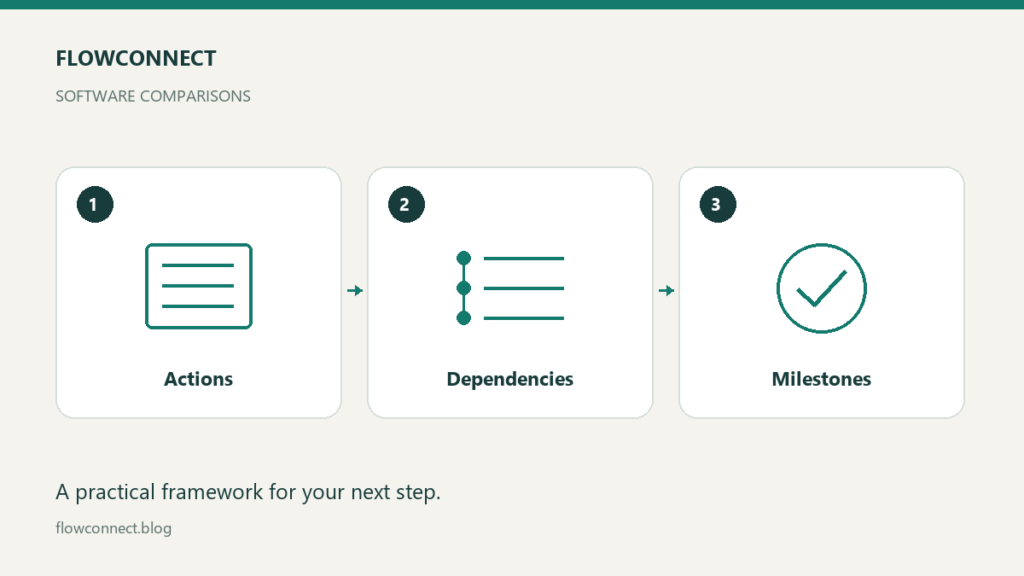
A task manager helps you remember and complete actions. Project management software is worth evaluating when work requires coordination across people, dependencies or milestones. Product labels overlap, so compare the actual workflow rather than assuming one category is always more advanced.
This guide compares approaches. It does not rank vendors or claim that every product includes the same features.
Start with the coordination problem
If your main difficulty is remembering to send an invoice, a reliable personal list may be sufficient. If a website launch depends on design approval, copy delivery and a developer’s availability, you need a way to show those relationships.
Write down the decisions you cannot currently make. “What can start today?” and “Who is waiting for a client?” are useful questions. “Where can we put all our work?” is too broad to guide a software choice.
Compare useful capabilities
| Need | A simple list may suffice when | Evaluate more coordination support when |
|---|---|---|
| Ownership | One person performs the actions | Several people share deliverables |
| Dependencies | Actions can proceed independently | One delay affects several next steps |
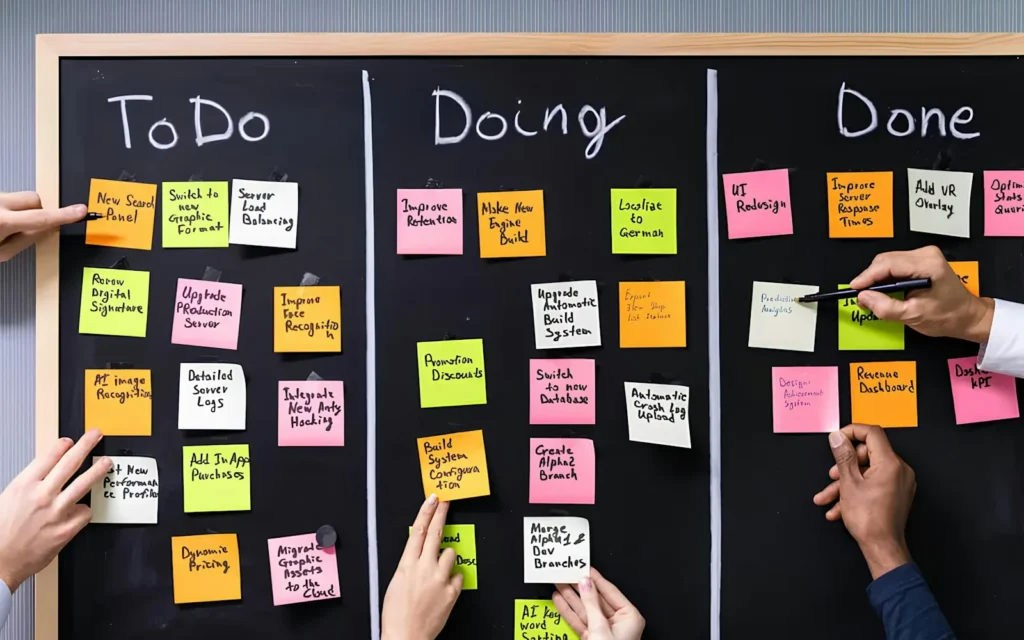
| Visibility | You review the list yourself | Clients or colleagues need status |
| Planning | Near-term priorities are clear | Milestones and capacity must be balanced |
Treat the right column as requirements to check, not as guaranteed features of any application. Permissions, guest access and reporting often vary by product or plan.
Build one sample project
Use an illustrative newsletter launch: agree the audience, draft the signup page, prepare a welcome email, review the copy and check delivery. Assign an owner and completion condition to each item. Mark which steps depend on an earlier decision.
Try explaining that project in your existing tool. If the explanation is simple, you may not need new software. If essential relationships live in a separate document that nobody checks, evaluate a tool that can make those relationships visible.
Test changes rather than a perfect plan
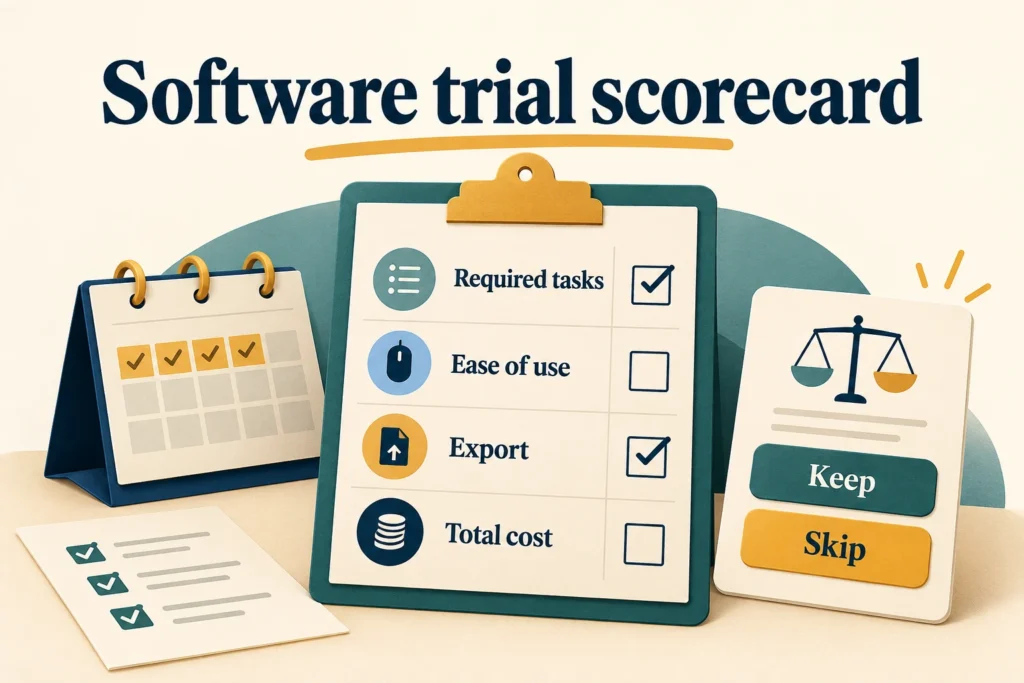
A polished demo often shows work moving smoothly. Your evaluation should include a delayed approval, a changed deadline and a reassigned task. Can the team see what is blocked? Can someone identify the next action without asking for a meeting?
Also test the administrative work: adding a guest, removing access, finding an old decision and exporting information. A tool that looks attractive but is difficult to maintain can make routine work harder.
Set a maintenance budget
Decide how much detail the project deserves. A small assignment may need a list of milestones and a weekly check. Recording every five-minute action can create more work than clarity.
Choose the smallest system that reliably answers your coordination questions. Document who updates status and when. Review the choice after a real project, using missed handoffs and time spent maintaining the system as evidence. More views and dashboards are useful only when they help someone make a decision.