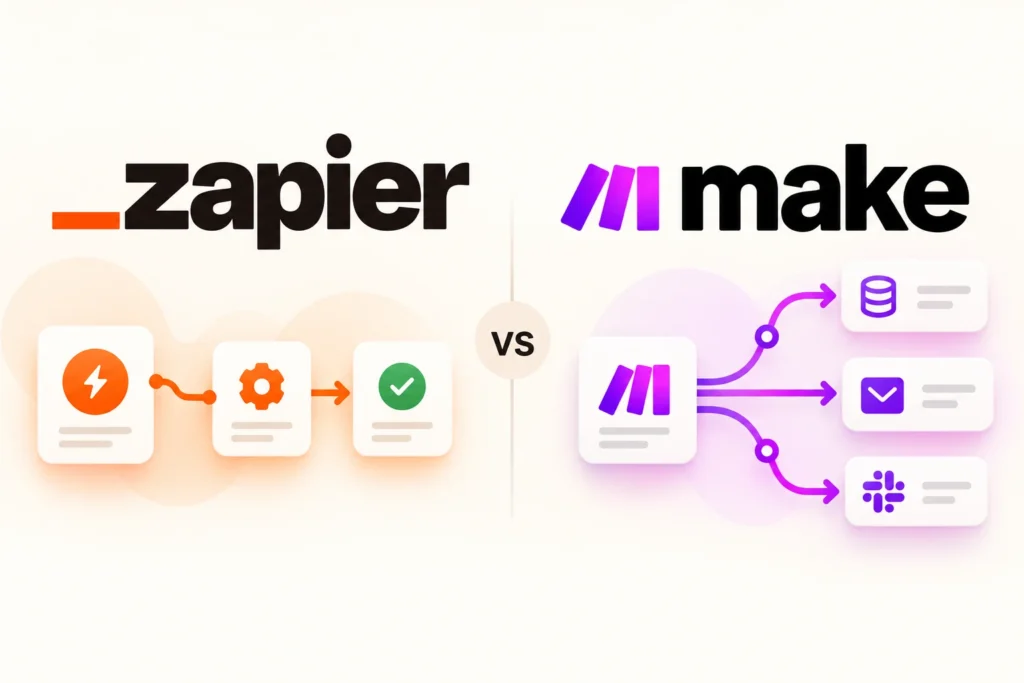


Brand images identify the products discussed. This is independent editorial coverage.
In this article
AI-assisted editorial illustration. Layouts are conceptual, not product screenshots.
A new inquiry arrives. Someone copies the details into a spreadsheet, creates a follow-up task, and hopes nothing gets missed. Zapier and Make can connect those steps, but choosing between them starts with the exact work you want to remove.
Our recommendation: shortlist Zapier when you want to evaluate a straightforward trigger-and-action workflow. Shortlist Make when you want to map a process with several paths visually. Treat those as starting points: the decisive test is whether each platform supports your specific app actions and whether your team can maintain the result.
Research basis: official documentation checked on October 26, 2026. This is a researched comparison, not a hands-on performance benchmark. Product links are ordinary, non-affiliate links.
Zapier vs Make at a glance
| Decision | Zapier | Make |
|---|---|---|
| Workflow vocabulary | Zaps connect a trigger to actions. | Scenarios connect modules to move and transform data. |
| Usage unit | Tasks generally count successful actions; triggers do not count as tasks. | Credits measure consumption; most ordinary non-AI operations use one credit. |
| Free starting allowance | 100 tasks a month; two-step Zaps with one trigger and one action. | 1,000 credits a month; check scenario and scheduling limits for your design. |
| Best trial question | Can the person responsible understand each action and fix a failed run? | Can that person follow each branch and explain what consumes credits? |
Plan details come from Zapier’s Free plan documentation and Make’s pricing page. The allowances use different units, so 1,000 credits should not be described as ten times the useful work of 100 tasks.
Check the action, not just the app logo
Write a one-sentence requirement before opening either builder: “When an approved inquiry arrives, create or update the contact and create one follow-up task.” Then list the fields you need: email, company, inquiry date, service requested, and owner.
An integration listing alone does not answer whether you can find an existing contact, update a custom field, or retrieve a file. Check those actions individually. Also check which account permissions your source app requires. A workflow that creates duplicate contacts is not a successful replacement for manual entry.
Keep a small decision sheet with four columns: required action, supported connection, plan requirement, and trial result. If a must-have action is missing, stop the trial there instead of working around it with an increasingly fragile chain.
A workload worksheet: 150 inquiries a month
Consider a fictional business receiving 150 valid inquiries monthly. Each inquiry needs two ordinary billable downstream actions: adding a record and creating a task.
- Starting estimate: 150 inquiries × 2 successful billable actions = 300 Zapier tasks, assuming both actions run exactly once per inquiry and neither is exempt.
- Free-plan fit: this design has two downstream actions, so it also exceeds the Free plan’s one-action workflow structure. Look at structure as well as the monthly allowance.
- Make estimate: build the equivalent scenario and inspect consumption across sample runs. Do not relabel the 300-task estimate as 300 credits.
This is arithmetic for a stated example, not a product benchmark. A search step, multiple returned records, repeated runs, or extra processing may change actual usage. AI steps can introduce different billing behavior too.
Zapier explains task accounting and exceptions; Make explains credit consumption. Record the trial’s measured units alongside your expected monthly volume, then add room for the busy weeks you actually experience. Review the account’s overage and limit settings before enabling a live workflow.
Run a ten-record trial before committing
- Use disposable sample data. Include a normal inquiry, a duplicate email, a blank optional field, and an unusual company name. Make the remaining records ordinary examples of your workload.
- Check the destination. Confirm each field, owner, date, and duplicate-handling rule. Count the records created rather than relying only on a green success indicator.
- Test a controlled failure. In a test workflow, use an invalid destination value. Find the error, correct it, and observe whether retrying creates a duplicate.
- Ask the future owner to explain the flow. They should know where credentials belong, where failures appear, and how to pause the automation.
- Record the cost drivers. Save measured usage, required plan features, and time spent fixing the test failure.
The better fit is the platform that completes your required process with a maintenance burden you can accept. A small saving is easy to lose if every exception requires the original builder.
Which should you choose?
Choose Zapier if its supported actions cover the job and your trial shows that the team can maintain the workflow comfortably. Choose Make if its visual scenario approach helps your team understand the process and its measured consumption fits your workload. If both pass, compare the total monthly plan requirement and ownership effort for the same process.
Start with one valuable workflow, document it, and review the first week of live results. Expanding after that review gives you a reusable pattern rather than several unmonitored automations.
Common questions
Is Make always cheaper than Zapier?
No universal conclusion follows from the free allowances. Compare the required paid features and measured consumption of the same workflow, including retries and extra processing.
Do I need AI for lead routing?
Not necessarily. A fixed rule such as “website inquiries go to the web team” can be designed without AI. Introduce model-based classification only when a clear need justifies the extra uncertainty and cost.