
Brand images identify the products discussed. This is independent editorial coverage.
In this article
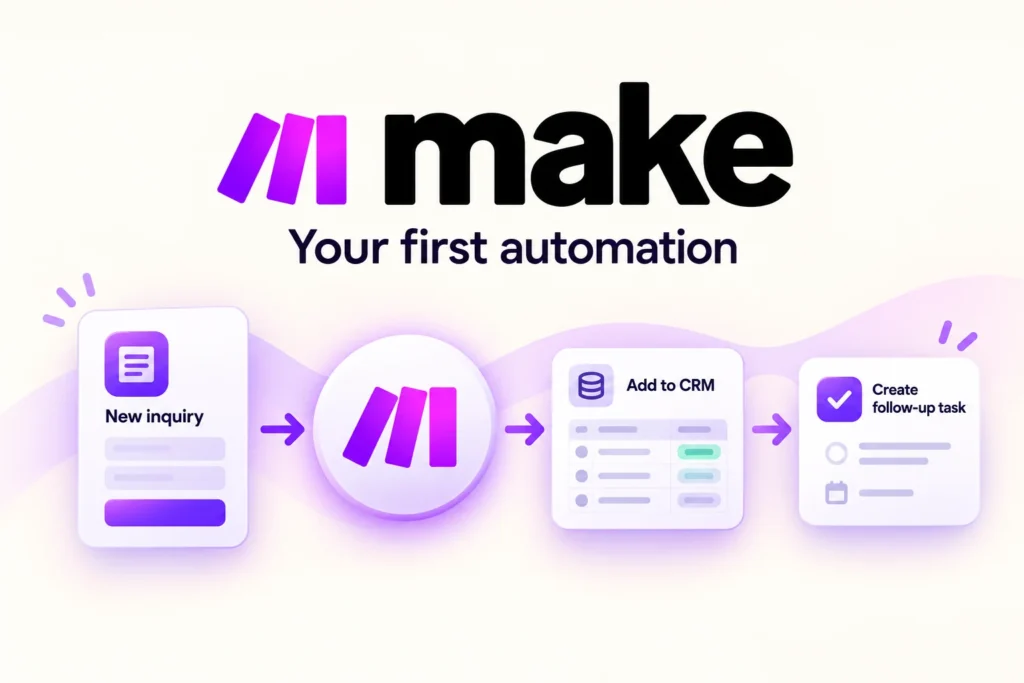
AI-assisted editorial illustration. Layouts are conceptual, not product screenshots.
Research basis: official product documentation checked on 25 October 2026. This is a researched guide, not a hands-on performance test. Product links are ordinary links, not affiliate links.
Make is an automation platform to consider when information needs to move between business apps according to a repeatable process. Before selecting a subscription, choose one small workflow and prove that its output is correct. Connecting several apps is useful only when the result saves meaningful work without creating harder cleanup.
What is a Make scenario?
A scenario is a series of modules that transfer or transform data between apps and services. Make’s introductory guide demonstrates a spreadsheet-to-team-notification workflow. See Make’s first-scenario guide for its documented example and prerequisites.
The distinction matters when planning: the business process is your responsibility; the scenario implements steps in it. An automation cannot decide what a missing customer identifier means unless you provide a rule or route the exception to a person.
A first trial: internal request tracking
Our suggested exercise is a fictional service-request tracker. Start with a test spreadsheet containing request ID, request type and received date. The intended output is an internal notification that tells the responsible person a new request needs review. This is a proposed test design, not a claim that we built or benchmarked the integration.
Keep real customers and external messages out of this first exercise. Use sample values and a dedicated test destination. The initial goal is to learn how records map into the output, not to automate an entire sales process.
Write the rules before connecting apps
| Condition | Expected behavior to implement and test |
|---|---|
| New valid request ID | Create one internal notification |
| Missing required information | Hold for manual review |
| Same request appears again | Detect it before repeating the side effect |
| Destination unavailable | Record failure and identify a recovery action |
These outcomes are requirements, not default guarantees from Make. Confirm that the chosen modules and account permissions support your design. Duplicate detection needs an explicit strategy, such as recording a processed request identifier; simply running the workflow again is not a substitute.
Build the smallest useful test
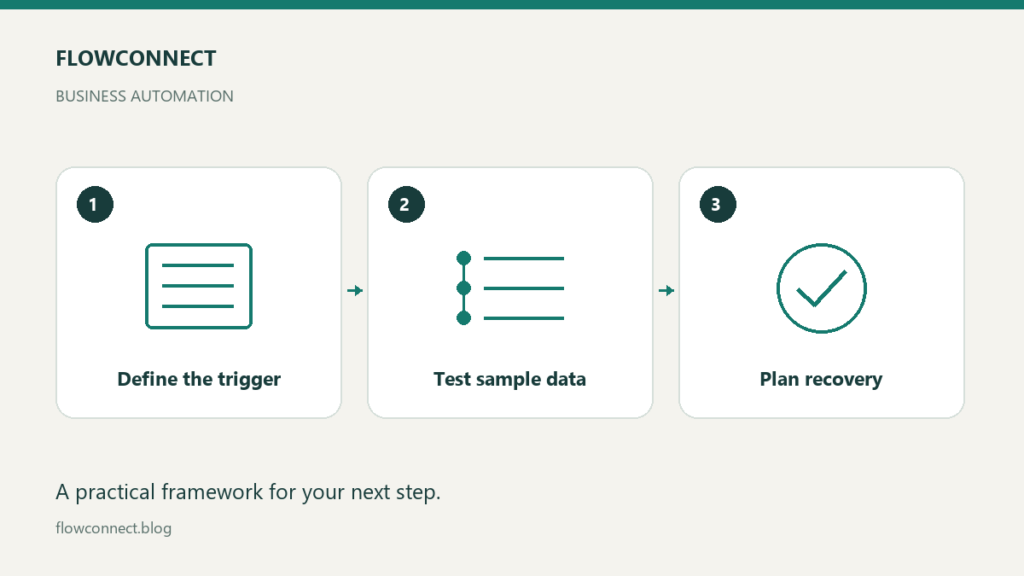
Follow the official setup instructions for your selected apps. Connect accounts authorized for the task, map only the fields needed by the destination and test one sample record. Compare the output against the source, including missing values and dates. Add a second normal record only after the first behaves as expected.
Next, try a duplicate identifier and an incomplete record. Record the actual outcome next to your expected outcome. If a notification contains the wrong information, fix the mapping before adding more steps. An elaborate workflow makes a basic field mistake harder to trace.
Make recovery part of the design
Make documents scenario settings that affect error behavior and incomplete executions for handling failed runs. Availability and behavior depend on configuration, so consult the relevant pages in the scenario documentation before relying on recovery features.
Assign an owner to inspect failures. Before retrying a run, check whether an earlier step already completed: a failed final step does not mean every previous action was undone. Keep a short recovery note explaining how to find the source record, inspect the destination and decide whether a retry could duplicate work.
Evaluate the cost of your actual workflow
Check Make’s current pricing and usage definitions when selecting a plan. Do not assume that one business request equals one billable unit. Measure the usage shown during your representative test, including the extra work caused by branching, repeated runs and errors. Avoid comparing subscriptions using headline prices alone.
Also account for connected-app subscriptions, time spent maintaining mappings and the cost of manual exceptions. Ask what happens when you reach a limit, who receives alerts and whether you can pause the workflow without losing track of incoming requests.
When to keep the process manual
If requests are rare or every case requires a different judgment, a checklist may be simpler. Trial Make when the process is repeatable, the relevant integrations support your needs and someone can own its maintenance. Expand only after normal records, incomplete inputs and recovery cases produce results you understand.