In this article
Illustrative photo by Markus Spiske / Unsplash.
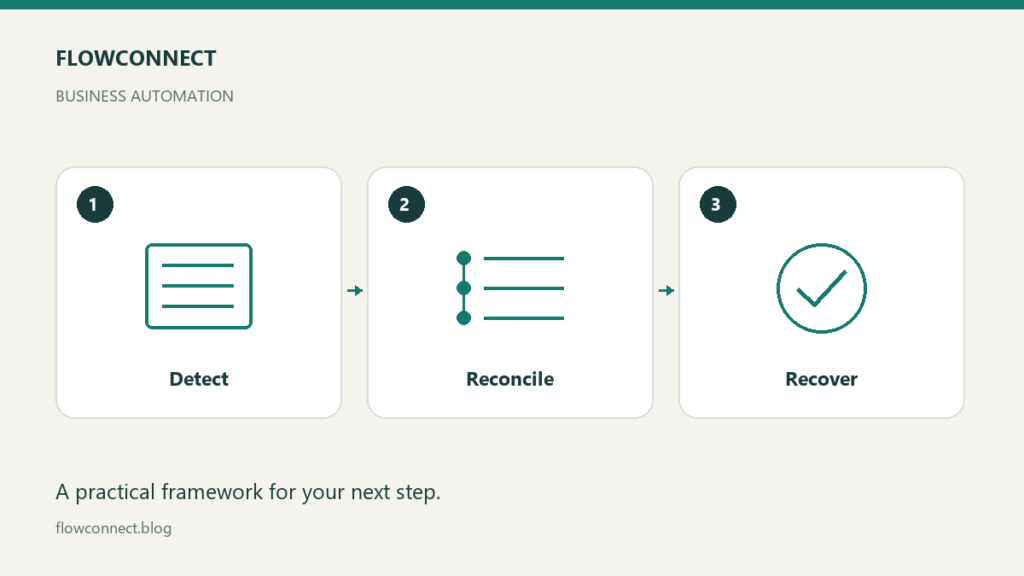
When an automation fails, first establish what happened before rerunning it. An error message does not necessarily mean that nothing changed. A request may have reached the destination even if your workflow never received a confirmation. A useful recovery plan makes that uncertainty visible and assigns someone to resolve it.
Define success for each step
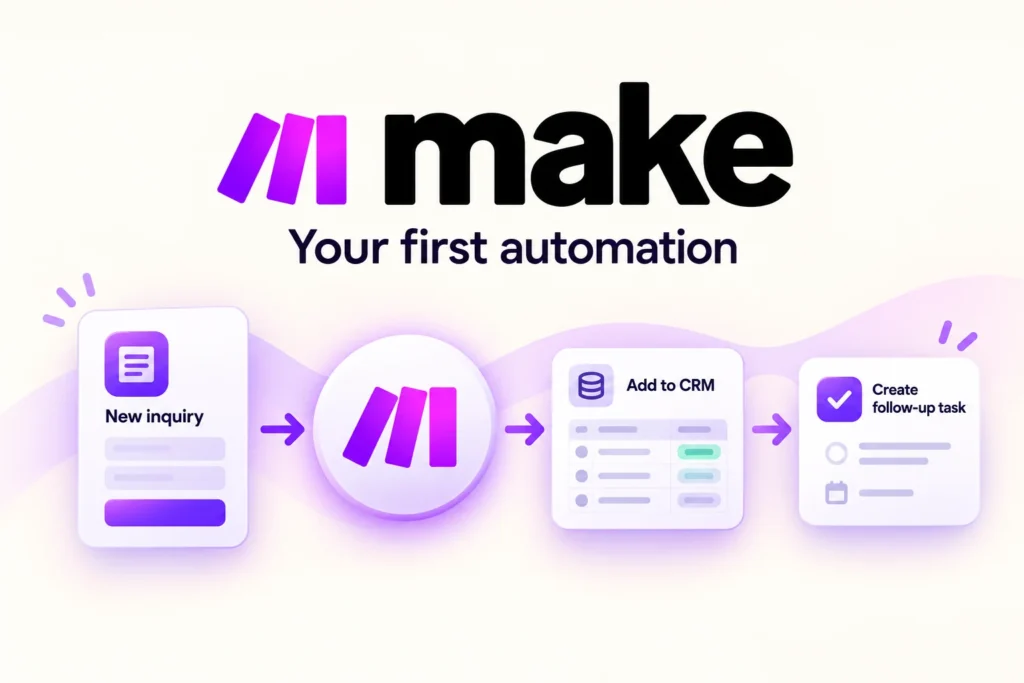
Consider an illustrative workflow that receives a client inquiry, creates a record and sends a confirmation. Treat those as separate steps with separate evidence. A successful form submission does not establish that the record exists, and an existing record does not prove that an email was delivered.
Decide what identifier lets you trace the inquiry through the workflow. Keep enough information to investigate failures without copying unnecessary sensitive content into logs. Name the person or role responsible for reviewing exceptions, including when they are unavailable.
Distinguish the failure before taking action
| Situation | First check | Possible next action |
|---|---|---|
| Required input missing | Which field is missing? | Request or correct the input |
| Connection timed out | Did the destination process it? | Reconcile state before retrying |
| Duplicate record | Which event created each record? | Follow the approved duplicate-handling process |
| Access denied | Did an authorized permission change occur? | Restore appropriate access through its owner |
Do not respond to an access error by broadly increasing permissions. Identify the required action and have the account owner resolve the specific access problem.
Treat retries as a design decision
Some services offer mechanisms intended to make retries safe. For example, Stripe documents idempotency keys for supported requests. That is a specific API behavior with defined rules; it does not mean an arbitrary automation or email step can be repeated safely.
Before retrying, check the documentation for the actual action and inspect the destination. If the outcome is uncertain and repetition could send another message, charge money or create a commitment, route it for human review. Set a bounded retry policy for appropriate temporary failures rather than retrying indefinitely.
Keep a small recovery log
Event identifier:
Time and affected step:
Expected result:
Observed result:
Destination state checked:
Owner and next action:
Retry or manual action taken:
Resolution confirmed:
In the inquiry example, a timeout after record creation might leave the record present but the confirmation unsent. The recovery action could be to confirm the existing record and handle the remaining step, rather than submitting the entire inquiry again. This is an illustrative scenario, not a claim about a particular platform.
Test the fallback before depending on it
Use a test environment or harmless sample data to exercise a missing input, an unavailable destination and a duplicate event. Check whether the alert reaches the responsible person and whether the log provides enough context to investigate. Do not simulate failures by disrupting live customer work.
Write down the manual fallback and how you will reconcile manually completed work when the service recovers. Otherwise the normal workflow may later repeat it. Review the failure record to decide whether the process, integration or instructions need to change.
A recovery plan is complete when someone can identify the uncertain state, choose an appropriate next action and confirm the result. Merely receiving an alert is not the same as recovering the work.