In this article
Illustrative photo by WebFactory Ltd / Unsplash.
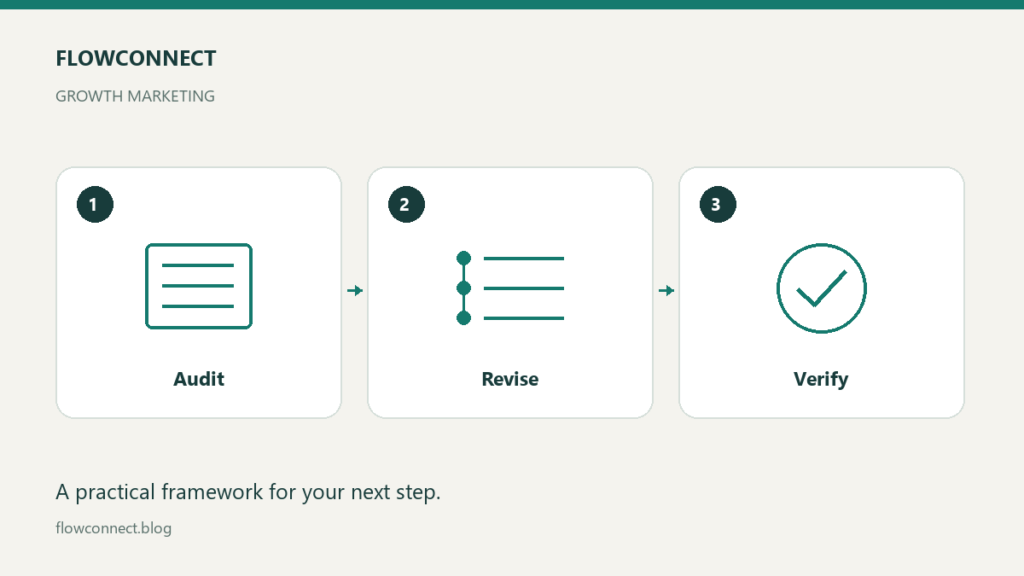
Update an old article when you can make it more accurate, useful or easier to follow. A fresh date alone does not improve an answer. Start by identifying what changed for the reader, then revise that part of the page while preserving the article’s original purpose where it still makes sense.
Choose an article with a specific problem
Look for a broken instruction, an outdated product detail, a missing example or a reader question the page fails to answer. Search performance can help prioritize work if you have access to it, but a decline in traffic does not prove that a page is outdated.
Google’s helpful-content guidance emphasizes usefulness, reliability and substantive value. Treat an update as editorial work rather than a routine change to make a page appear recent.
Read the page before rewriting it
Write down the question the existing article answers and the next action it offers. Then mark passages to keep, verify, replace or remove. A strong example may remain useful even when a software screenshot has become outdated.
Separate factual corrections from changes in style. If a claim was unsupported, either substantiate it or remove it. Do not replace an old unsupported statistic with a newer one that describes a different population or outcome.
Make a change list with evidence
Article and existing URL:
Reader question:
Problem found:
Evidence or current documentation:
Planned correction:
Example or instruction to improve:
Links and images affected:
What the update changes for the reader:
For an illustrative software guide, the issue might be that the described export button has moved. Check the current documentation and update the step. If the plan no longer includes exporting the required data, that is a substantive limitation to explain, not just a screenshot replacement.
Preserve links that still have a job
When the topic remains the same, keeping the existing URL avoids an unnecessary migration. Check inbound internal links where practical and make sure their anchor text still describes the revised article. Do not change the slug simply to add the current year.
If the purpose has changed so much that the article no longer answers its original question, decide whether it needs a new page instead. URL changes, consolidation and redirects require deliberate review; they should not be side effects of editing a heading.
Add value that a reader can use
Replace vague instructions with a specific action or worked example. A sentence saying “evaluate your tools” might become a short test involving an actual task, an acceptance criterion and a record of the result. Avoid adding sections merely to increase length.
Review the introduction and conclusion after the changes. They should still match the content. Check that the headline does not promise a complete test or buying verdict if the article only summarizes documentation.
Publish a transparent update
Keep a saved version before editing and record the material changes. Add an editorial correction when a prior error meaningfully affected what readers were told. Use an updated date when the page has genuinely been reviewed and changed; do not imply firsthand testing that did not occur.
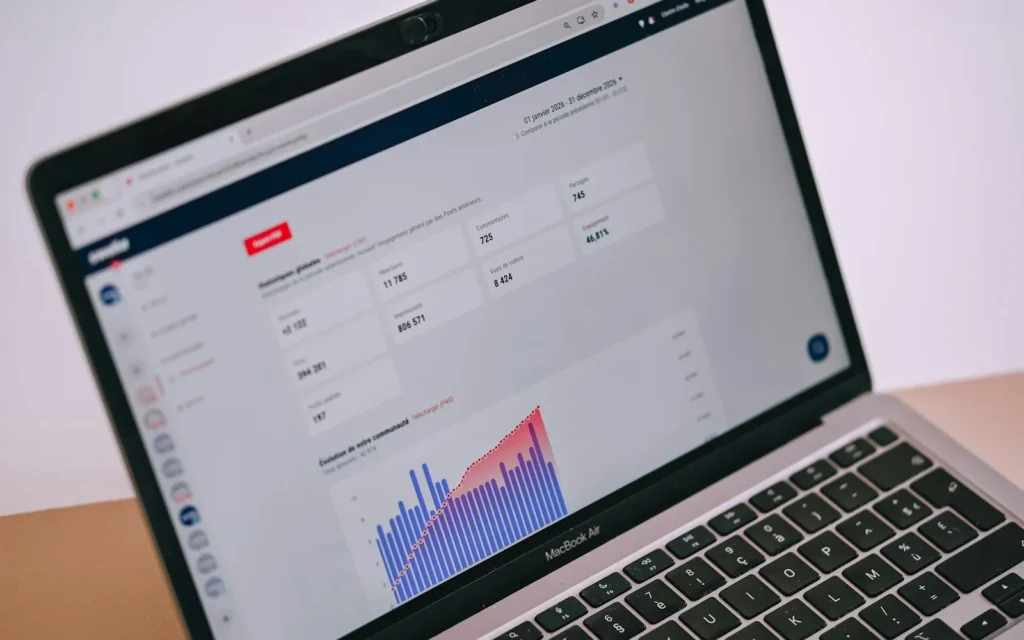
Open the public page after publishing. Inspect headings, tables, images and links, including the newly changed section. If you measure search performance, allow for recrawling and compare relevant periods without assuming that any short-term movement was caused by the edit.
Finish by recording the next condition that should trigger a review, such as a product change or a newly identified error. That is more useful than automatically rewriting an article every month regardless of its condition.