In this article
Illustrative photo by WebFactory Ltd / Unsplash.
A WordPress post is ready to publish when its content is accurate, its structure is readable and its links and images work for the reader. Saving a draft or seeing a green SEO indicator is not enough. Use the following checklist to review the actual page, then check it again after publication.
Start with the reader’s task
Write one sentence describing the question the article answers. Compare the introduction and conclusion with that sentence. If the title promises a checklist, the reader should leave with a usable checklist. If the piece is a comparison, it should explain the trade-offs and who each approach suits.
Check factual statements separately from wording. Verify sources, dates, prices and quotations. Label an invented example as illustrative, and do not describe a documented feature as something you personally tested. Resolve any unanswered factual questions before publishing.
Inspect the heading outline
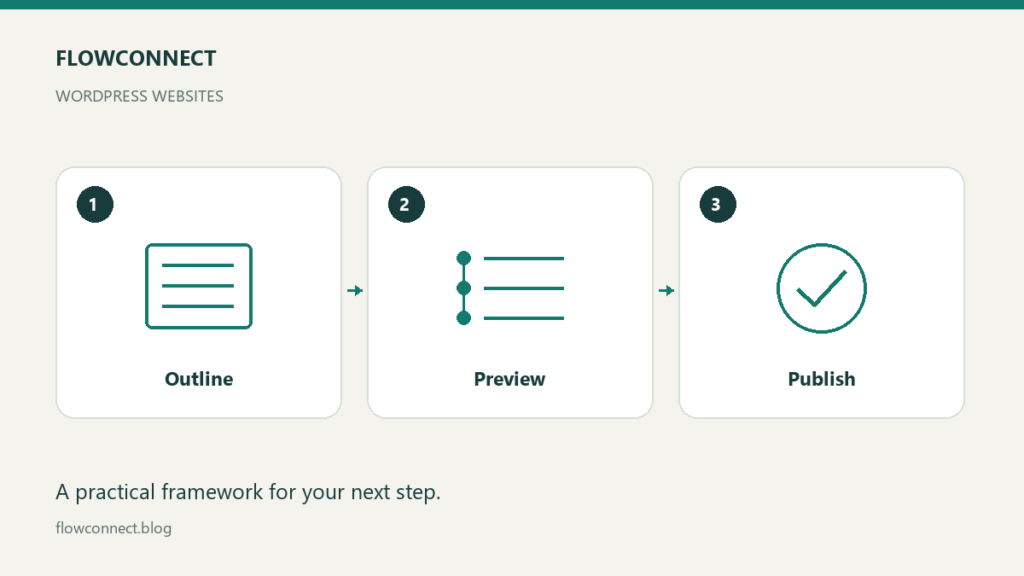
In the standard WordPress block editor, the document overview includes an outline showing the heading structure. Use it to spot headings that accidentally contain entire paragraphs, missing sections or a jump in hierarchy that makes the structure difficult to follow. Editor details can differ when plugins or page builders are involved.
The official block editor documentation explains the workspace and outline. A heading should name its section; the explanation belongs in paragraph blocks beneath it. Preview tables and lists too: visible HTML code is a formatting problem, even when the words themselves are correct.
Check every link and image
Open source links and confirm that they support the nearby statement. Open internal links as a reader would and check that the destination is useful. Avoid vague anchor text such as “click here” when a short description would make the destination clearer.
Use images you have the right to publish. For an informative image, describe its meaning in the alternative text rather than stuffing keywords into it. For an image that is purely decorative, use empty alternative text where the editor supports it. Check the crop and make sure essential details remain visible.
Review the preview at more than one width
Look for wide tables, clipped diagrams, tiny text and long lines that force horizontal scrolling. Check the title, first paragraph and main action on a narrow screen. A desktop preview cannot establish that the mobile page is readable.
Review the excerpt, category, permalink and any SEO description supplied by your plugin. Avoid changing an already established URL merely to improve its wording. If you must move a published page, handle redirects and internal links as a separate migration task.
Use a short release checklist
Reader question answered:
Sources and quotations checked:
Heading outline reviewed:
Tables and lists rendered correctly:
Links opened and checked:
Image rights and alternative text checked:
Narrow-screen preview reviewed:
Title, excerpt and category reviewed:
Public URL checked after publishing:
After publishing, open the public URL in a signed-out browser session. Confirm that it loads, shows the intended content and offers a useful next step. Where available, check your sitemap and search tooling separately. A working page is not proof that a search engine has indexed or ranked it.
Keep the checklist with your editorial process and record any defect that escaped it. Add a check when it prevents a repeatable problem, rather than expanding the list with items no one can realistically verify.