In this article
Illustrative photo by Deng Xiang / Unsplash.
WordPress.com bundles WordPress with a hosting service. Self-hosted WordPress means choosing a hosting provider for the WordPress software. The useful comparison is which responsibilities and capabilities your specific arrangement includes, not whether one option is universally professional or inexpensive.
This guide is based on official documentation checked on 24 October 2026 and a proposed buying framework. It is not a hands-on hosting benchmark. Prices, included services and plan restrictions can change.
Understand the basic distinction
The WordPress.com comparison guide explains the hosting distinction. WordPress.org describes the software’s publishing features and extensibility. Self-hosted WordPress can also be purchased with managed services, so “self-hosted” does not necessarily mean you personally perform every maintenance task.
Write down what the provider does and what remains your responsibility. Marketing words such as managed, optimized or unlimited need concrete definitions before they become useful buying criteria.
Compare the complete arrangement
| Question | What to verify |
|---|---|
| Can I build the site I need? | Required themes, plugins and integrations on the chosen plan |
| Who maintains it? | Core, theme and plugin updates; responsibility for failures |
| How do I recover? | Backup scope, retention and restore procedure |
| Who helps? | Support scope and whether custom code is covered |
| Can I move? | Content export, files, domain control and migration process |
Ask for documentation when an answer affects your decision. The label on a plan is less useful than knowing whether you can restore yesterday’s content or install a required integration.
Calculate costs beyond the first payment
List the domain, hosting, renewals, paid extensions and any maintenance help you expect to need. Include your own time as a planning consideration, even if you do not assign it a currency value.
Avoid comparing one introductory price with another provider’s full renewal price. Use the same period and site requirements. A low initial fee may still be appropriate, but the comparison should make future obligations visible.
Test your actual publishing workflow
Before committing to a complex setup, list the actions you perform regularly: write a post, add an image, edit navigation, update a page and recover a mistake. Where a trial or demonstration is available, work through those actions with sample content.
For a new editorial blog, prioritize a workflow you can sustain. An advanced feature that you have no plan to use is a weak reason to accept extra maintenance. Conversely, a required integration should be checked before you spend time building around a plan that cannot support it.
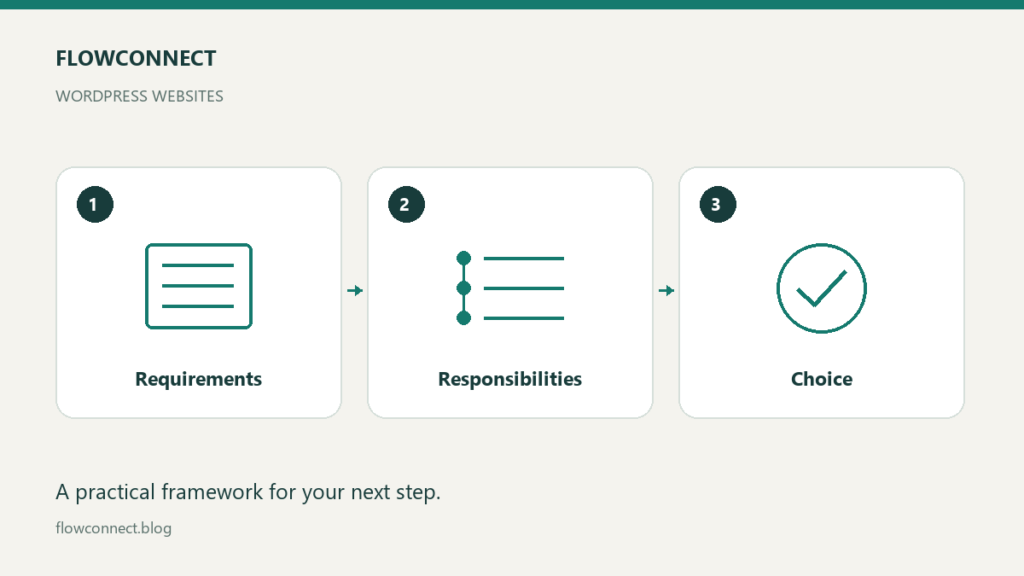
Choose based on responsibility and fit
A bundled service may suit you when its available features match your site and you prefer its support arrangement. A separate hosting provider may suit you when you need a different balance of access, services and control. Neither removes the need to maintain good content and sensible account practices.
Record your requirements, the documentation you checked and the trade-offs you accepted. Revisit the choice when the website’s needs materially change, rather than moving platforms each time a new promotion appears.