In this article
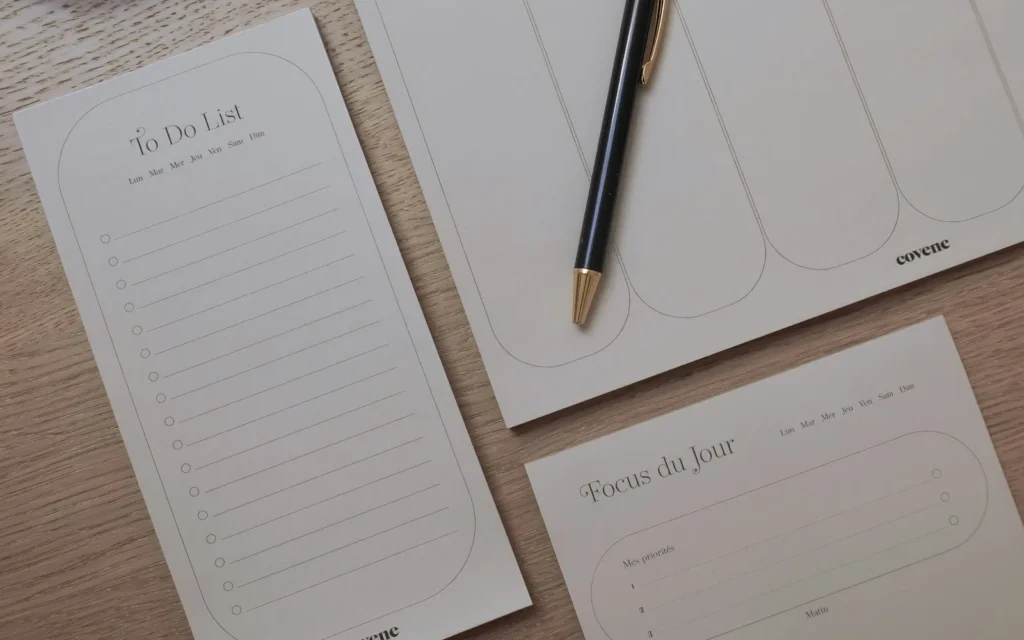
Illustrative photo by Covene / Unsplash.
- Keep the review to 20 minutes and put it on the calendar.
- Review three things: what shipped, what is stuck, what matters next week.
- Pick no more than three priorities for the coming week.
Most productivity systems fail for one reason: nobody looks at them. A weekly review fixes that. It is a short, fixed appointment with yourself where you close loops, check progress and decide what deserves your attention next. Done well, it takes about 20 minutes and removes most of the Monday-morning fog.
Why a weekly review works
Daily to-do lists are reactive. They capture what is loud, not what is important. A weekly rhythm gives you enough distance to see patterns: the task you keep postponing, the client who always takes longer than planned, the project that quietly stalled. It also fits how most businesses already run, with weekly meetings, weekly invoices and weekly content schedules.
Step 1: Clear your inputs (5 minutes)
Empty every place where tasks and ideas pile up: your inbox, your notes app, your messages, loose paper. You are not doing the work yet. You are turning each item into one of three outcomes: do it in two minutes, schedule it, or delete it.
- Process the inbox to zero or to a short, deliberate list.
- Move stray notes into your task list with a date or a clear owner.
- Delete anything you will not realistically do.
Step 2: Look back (5 minutes)
Open last week’s calendar and task list. Write down three lines: what shipped, what slipped, and what you learned. Be specific. “Published the pricing page” is useful; “worked hard” is not. If something slipped twice, either break it into smaller tasks or admit it is not a priority and drop it.
Step 3: Look ahead (5 minutes)
Check the next two weeks of your calendar for deadlines, travel and meetings. Then choose up to three outcomes that would make the week a success. Three is a deliberate limit. If everything is a priority, nothing is.
Step 4: Block the time (5 minutes)
Priorities that are not on the calendar rarely happen. Put each of your three outcomes into a time block, ideally in your best energy window. Protect at least two blocks of 90 minutes for deep work, and leave one empty slot for the unexpected.
A reusable template
- Inputs: inbox, notes, messages cleared.
- Wins: three things that shipped.
- Stuck: what slipped and why.
- Next week: up to three priorities.
- Calendar: time blocks booked.
Common mistakes
- Making it too long. A review that takes an hour will be skipped. Keep a timer running.
- Doing the tasks during the review. Only plan. Work comes after.
- Changing tools every month. A plain note and a calendar are enough. See our guide to a minimal tool stack for solo founders.
Make it a habit
Pick a fixed slot, for example Friday afternoon, and attach it to something you already do, like closing your laptop. After four weeks it becomes automatic. For more ideas on automating the repetitive parts, browse our AI & Innovation guides or the wider Productivity section.
Final thoughts
The best system is the one you actually use. Start with 20 minutes this week, adjust the template to your work, and keep the habit steady for a month before you judge it.