

Brand images identify the products discussed. This is independent editorial coverage.
In this article
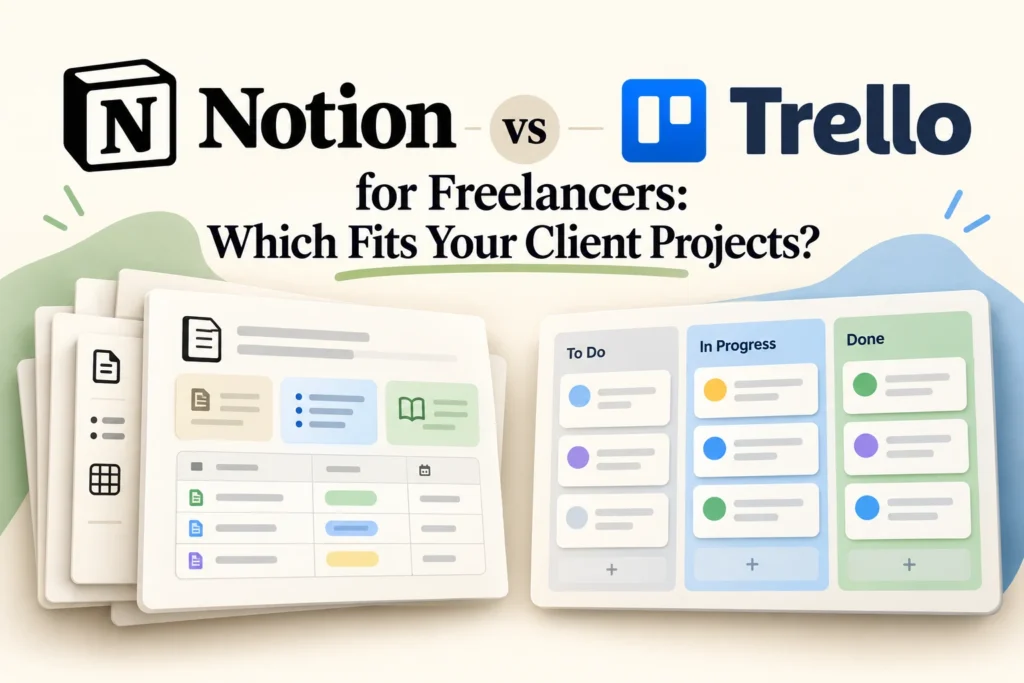
AI-assisted editorial illustration. Layouts are conceptual, not product screenshots.
Research basis: official product documentation checked on 25 October 2026. This is a researched guide, not a hands-on performance test. Product links are ordinary links, not affiliate links.
Choose a starting point based on what gets lost in your client work. If tasks disappear between stages, a Trello board is a sensible candidate. If decisions, briefs and tasks become disconnected, Notion deserves a closer look. That is our workflow-based recommendation, not a measured claim that either app is faster.
What the two tools organize
Notion’s Projects and Tasks setup uses two related databases, so tasks can connect to a project while carrying their own properties. Its documentation also describes different views for managing projects and daily work. See Notion’s project guide.
Trello organizes work into boards, lists and cards. Lists can represent stages, while cards hold individual work items. That structure gives you a direct way to show movement from request to completion. See Trello’s board basics.
Compare the job you need to do
| Need | Notion approach to trial | Trello approach to trial |
|---|---|---|
| Track a website project | Connect tasks to a project record | Move deliverable cards through stages |
| Keep decisions findable | Design a consistent place for project context | Agree which card holds each decision |
| Reduce maintenance | Limit properties and views | Limit lists and duplicate cards |
This table proposes ways to evaluate each structure. It does not imply that either product is limited to the example shown, or that every view or collaboration feature belongs to every plan.
A realistic trial: a five-page client website
Use fictional client details and the same five deliverables in both trials: approved brief, homepage copy, design review, implementation and launch checks. Add one change request halfway through. Your test is whether you can find its owner, current state and next action without searching through old messages.
In the Notion trial, start with one project and its related tasks. Keep only fields that answer a real question, such as status, owner and target date. Put a short decision log alongside the work. Resist building a separate database for every type of information before you know you need it.
In the Trello trial, start with Requested, Ready, Doing, Client review and Done lists. Give each deliverable a card and write an explicit completion condition. Move a card to Client review only when the material is ready for a decision. A column called Done is useful only if everyone agrees what finished means.
Check sharing before inviting a client
Separate your internal estimates and negotiation notes from client-visible material. Test the intended access using a separate invited account before putting confidential information into the workspace. A filtered view should not be assumed to establish a permission boundary. Check the product’s current sharing controls and the exact plan you intend to use.
What to check before paying
List the people who need access, the views you actually use and any integrations your workflow depends on. Then compare current plan entitlements, guest rules, file limits and export options on the vendors’ pricing pages. Annual billing can make an unsuitable tool a longer commitment; a short trial should settle the workflow question first.
Count maintenance time as well as subscription cost. If your system needs constant tidying, simplify it before buying a higher tier. Record which tasks required help, which information was hard to locate and whether another collaborator could understand the setup without a lengthy explanation.
Our practical recommendation
Trial Trello first when the main requirement is moving visible deliverables through clear stages. Trial Notion first when you want to design connected project records and are willing to maintain that structure. If you only need a personal next-action list, evaluate a task app before adopting either project system.