In this article
Illustrative photo by Bluestonex / Unsplash.
A spreadsheet can be enough when one person handles a small, understandable client list. A CRM becomes worth evaluating when shared ownership, interaction history or missed follow-ups create repeated problems. The decision depends on how work moves through your business, not a universal contact-count threshold.
This is a comparison of working approaches, not a hands-on review of named products. CRM features and costs differ, so verify the specific plan before buying.
Compare the work you need to manage
| Question | Spreadsheet approach | CRM approach to evaluate |
|---|---|---|
| Who owns the next action? | A clearly maintained owner column | Assigned records and follow-up tasks |
| Where is the history? | Notes or links maintained by the team | Interaction history supported by the product |
| How does work move? | Status values and manual review | Pipeline stages and available reminders |
| Can you leave? | Keep a portable export | Check exports for records, notes and attachments |
Salesforce’s CRM overview describes managing customer relationships and interactions across a business. It is a vendor source explaining the category, not independent evidence that its product is the right choice for you.
Make the spreadsheet usable first
Create fields for name, organization, source, stage, owner, last contact, next action and next-action date. Define the stage values. “Interested” means little if one person uses it for an unanswered inquiry and another uses it for an accepted proposal.
Use fictional records to test the structure before adding sensitive information. Decide who may view and edit it. A spreadsheet with consistent ownership can be more useful than a CRM filled with stale or ambiguous records.
Identify the failure that justifies a change
Write down recent problems: two people contacted the same client, a promise disappeared into an inbox, or nobody knew who should follow up. Then ask whether the cause is missing software capability or an undefined process.
If no one is responsible for updating records, a new application will not automatically solve the problem. Assign responsibility first. Evaluate software when the defined process is still too difficult to maintain.
Run a small, comparable pilot
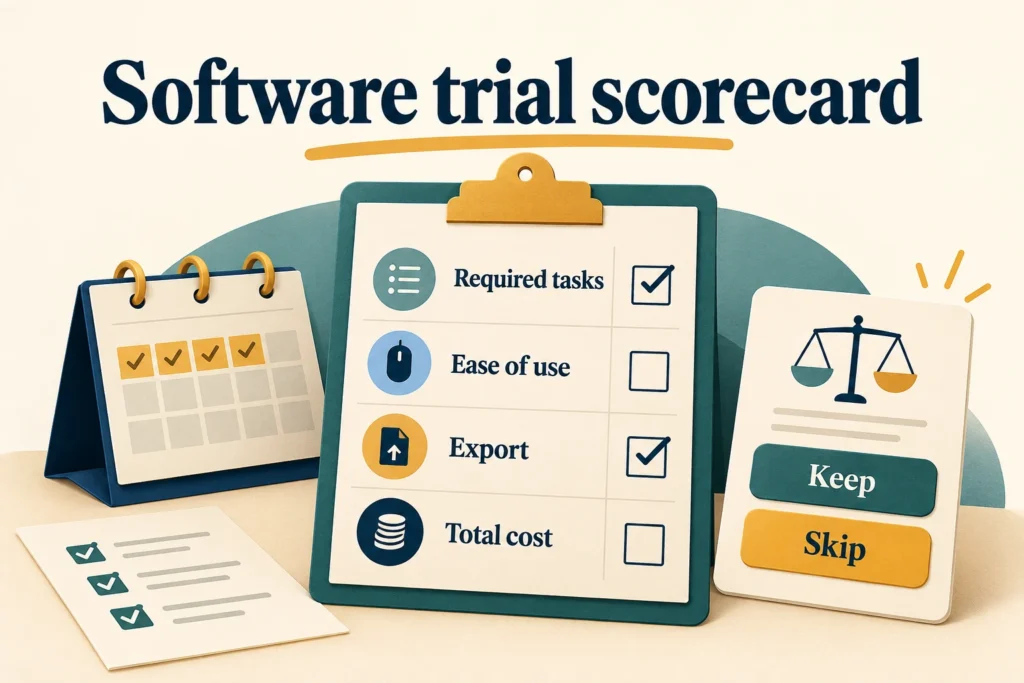
Use the same fictional leads and the same tasks in both approaches. Add a new inquiry, find its history, schedule a next action, hand it to another person and export the record. Record friction and missing information rather than awarding points for the longest feature list.
For a realistic cost comparison, include setup, data cleanup, training and recurring fees. Decide whether those costs are acceptable before moving all of your records. Your pilot should also reveal whether the simplest available plan supports the workflow you need.
Make the decision explicit
Choose the spreadsheet when it remains understandable and dependable for the people using it. Consider a CRM when the pilot demonstrates a practical improvement in ownership, follow-up or history that justifies the added work and expense.
Document why you chose it and what would trigger a review. “Revisit when client handoffs repeatedly lose context” is a better decision rule than “buy a CRM once we feel like a real business.”