
Brand images identify the products discussed. This is independent editorial coverage.
In this article
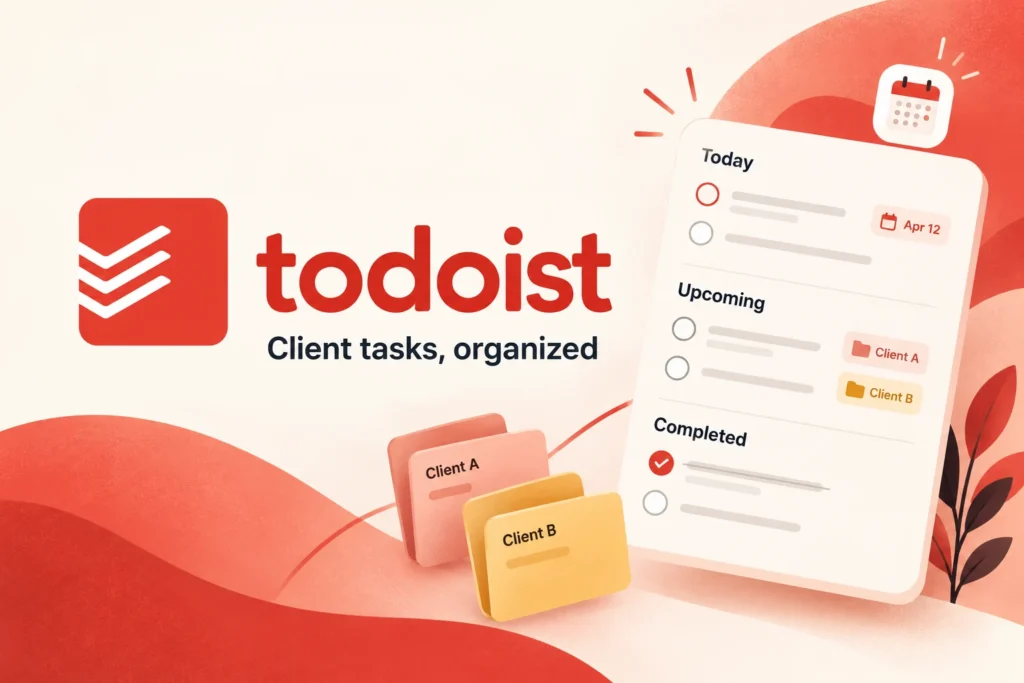
AI-assisted editorial illustration. Layouts are conceptual, not product screenshots.
Research basis: official product documentation checked on 25 October 2026. This is a researched guide, not a hands-on performance test. Product links are ordinary links, not affiliate links.
Todoist is worth considering when your problem is remembering and completing next actions across several clients. The useful question is whether a task-focused workflow meets your needs. A list of tasks alone will not replace an agreed project scope, a complete client record or an invoicing process.
Start with projects, not a complicated dashboard
Todoist projects group related tasks. Its official guidance describes personal and team projects, sections, dates and sharing. When you share a project, collaborators can access its tasks, comments and attachments, so project boundaries matter. Consult Todoist’s project documentation for current behavior and plan limits.
For a small freelance practice, trial three projects: Client A, Client B and Business admin. These are suggested organizational labels, not a required template. Keep personal reminders and internal commercial notes outside any project you intend to share.
A sample setup for a freelance writer
Imagine you are delivering two articles for one client and updating a landing page for another. Create tasks that describe an observable action. “Client A article” is vague; “Send Client A the proposed outline” tells you what to do next. Put supporting context in the task or link to the authoritative brief rather than making several competing copies.
| Project | Example action | Completion check |
|---|---|---|
| Client A | Send outline for article one | Outline delivered through agreed channel |
| Client B | Resolve feedback on headline | Decision recorded in the brief |
| Business admin | Review outstanding proposals | Each proposal has a next action |
Use sections only if they help you distinguish kinds of work. A simple Next actions and Waiting structure may be enough. Do not create elaborate labels for a workload you can already understand at a glance.
Distinguish a work date from a promise
When scheduling tasks, distinguish the date you intend to work from the delivery commitment you made to a client. Record the commitment clearly in the task context and your agreed project brief. Do not rely on remembering which meaning you gave a date several weeks earlier.
At the start of a day, select a small set of actions that fits your available time. A long list does not create capacity. Leave room for feedback and interruptions, particularly when work depends on another person’s approval. If a task repeatedly slips, break it into a smaller action or renegotiate the commitment.
Run a weekly review
- Check each active client project for an action you can actually take.
- Review waiting items and decide whether a follow-up is due.
- Compare planned work with the commitments in your briefs.
- Remove obsolete tasks and clarify vague ones.
- Choose the next week’s essential outcomes before adding optional work.
For example, a waiting item saying “feedback” should identify what feedback you need and who owes the decision. This makes the review actionable without turning every open question into an urgent notification.
When a different tool may fit better
If your main difficulty is coordinating many dependencies, maintaining detailed project documentation or presenting progress to clients, trial a project-management system alongside your task list. Judge it against those needs rather than assuming a paid task-app tier solves them. Avoid entering the same action into two systems unless you establish which one is authoritative.
Before you choose a Todoist plan
Write down how many active projects you need, who needs to collaborate and which views matter to your routine. Check those requirements against current plan entitlements. Do not pay for team administration simply because you work with clients; first establish whether your actual collaboration requires it.
Test with a representative week of work. Note missed actions, time spent reorganizing tasks and any confusion about shared content. Our recommendation is to keep the system only if it makes your commitments easier to manage. A visually tidy list is not enough evidence on its own.